So because Windows 7 is still in Beta, Veeam FastSCP 3.0 does not support it, but it does not mean that you cannot use it.
While trying to install the application on Windows 7 beta you’ll get the following message.
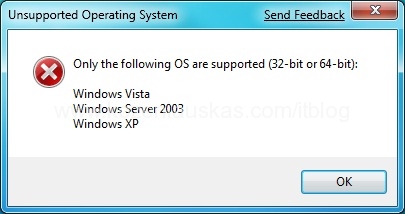
To get around it you can use Winrar to extract the package and launch FastSCPSetup.msi file.
If you don’t have Winrar and don’t want to install it use command line to extract the content of veeam_fastscp_3.0.exe.
the syntax looks like this:
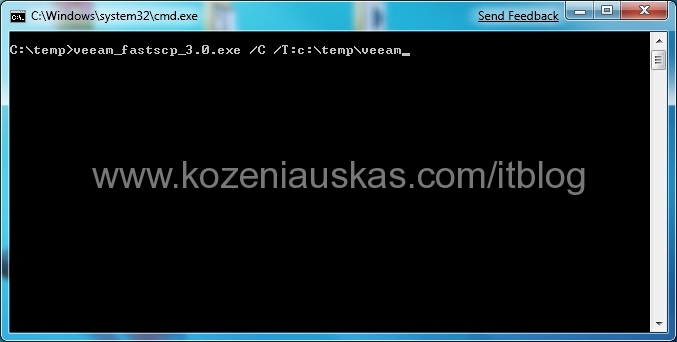
veeam_fastscp_3.0.exe /C /T:(full path)
The following example extracts everything to c:\temp\veeam

Any ideas about the Virtual Center client on Windows 7 ?
I had no problems installing Vmware infrastructure client and it is working fine on Windows 7.
wow.. just run it in XPsp3 compatability mode…